There’s a test I run on every enterprise agent demo. I ask it something that requires knowing the company’s actual records. What does this customer owe us? When did they last open a ticket? Almost every demo agent fails, because it was never connected to the data. It writes a confident follow-up email to a customer who has an open invoice, a churn-risk flag, and two unresolved tickets, and it has no idea.
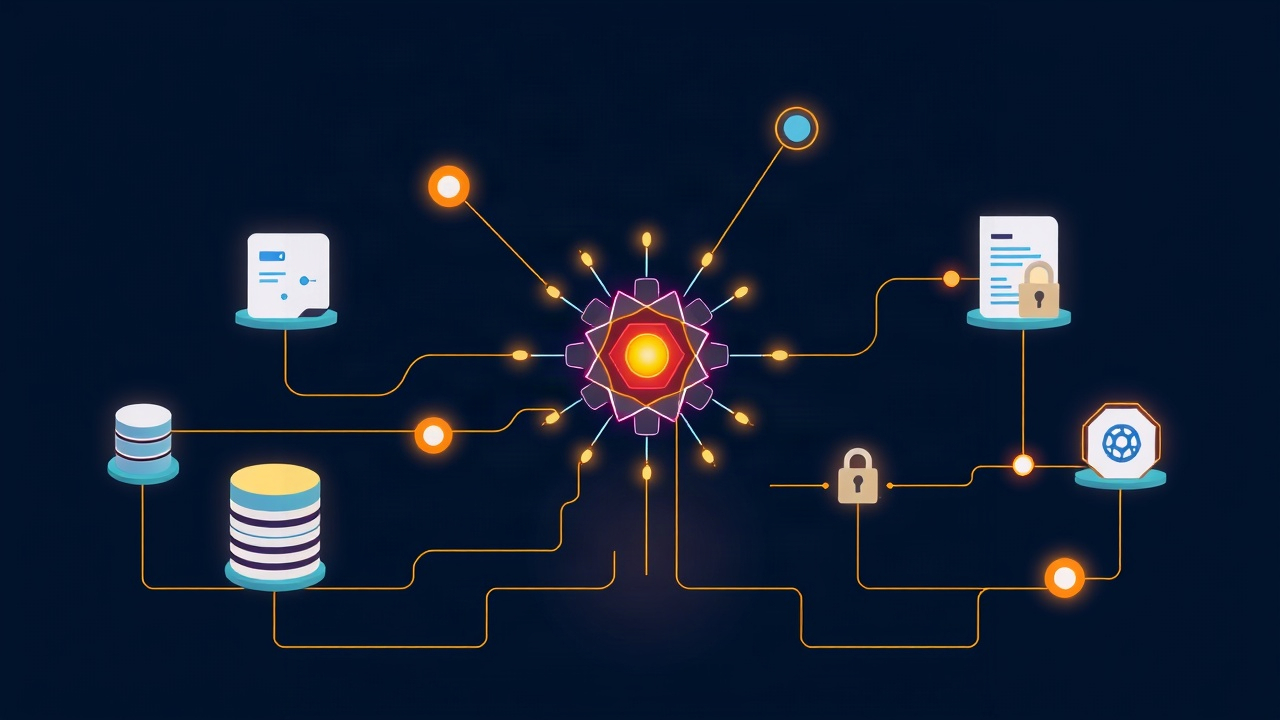
Microsoft’s Work IQ, which started rolling out in preview this October, is Redmond’s answer to that failure. It connects Copilot and autonomous agents directly to live business data in Dynamics 365 and Power Platform. Not a stale export loaded into a vector store last quarter. The records themselves, with the agent reasoning over your actual CRM, ERP, and automation flows.
The gap between those two setups is the whole ballgame, and it’s worth understanding before you switch anything on.
What Work IQ actually changes
Until now, most enterprise agent deployments worked like this: someone dumps a CRM export into a retrieval pipeline, the agent searches it, and everyone pretends the result is “grounded.” It kind of is. It’s also weeks out of date and disconnected from the systems where business actually happens — the access controls were stripped somewhere along the way, too.
Work IQ puts the agent on the live wire. An agent resolving a case can see that the customer has an open invoice. An agent working quote-to-cash can check real inventory and real credit terms. Microsoft positions this as “business and workplace intelligence” baked into how agents act, which is marketing-speak for something simpler: the agent stops guessing and starts reading.
General availability timing and pricing are unannounced. This is a preview, and October’s rollout is the start of it, not the finish.
Why marketing ops should care first
If you run campaigns, nurture sequences, or customer programs off a Dynamics instance, the interesting question isn’t “can the agent write?” It already could. The question is whether it knows what it’s talking about.
Consider the follow-up email again. A generic agent writes something polished and useless: “Just checking in on your evaluation!” A grounded agent writes: “Your team hit a licensing limit on Tuesday, your renewal is in 40 days, and there’s an open ticket about SSO setup — here’s the doc for the SSO issue, and here’s what the license bump costs.” Same model, completely different value. The second email writes itself out of records the first agent never saw.
That’s the shift. Agent quality stops being a model problem and becomes a data-access problem. Which sounds like an IT concern, and here’s why it isn’t.
The catch: your agent config is now your security perimeter
This is the part most coverage will skip, and it’s the part that bites.
An agent reading live ERP data inherits every access-control question your CRM admins have been quietly avoiding. Who can see churn-risk scores? Which team owns margin data? Should a marketing agent be able to read support tickets with personal details in them? When a human analyst has these questions, you point at their role permissions. When an agent has them, the answer is whatever you configured in the agent’s data access — and if you configured it casually, the agent will casually read things nobody intended.
Microsoft’s own guidance has the right instinct: map one or two high-friction processes, like quote-to-cash or case routing, before turning agents loose on production data. Design the permissions and the audit trail up front, not after the first incident.
That advice deserves to be in capital letters, so here’s the checklist version.
Before you enable an agent on live business data
- Pick one process, not a platform. Quote-to-cash or case routing. One workflow with a clear owner and a measurable baseline.
- Write down what the agent is allowed to read, field by field. If you can’t enumerate it, the agent shouldn’t have it.
- Mirror the least-privileged human role, then cut more. If your agent needs less than the most junior analyst, grant less.
- Turn on audit logging before the first real request. You want a record of every read from day one, not reconstructed next quarter.
- Name a human who owns the incident when the agent reads something it shouldn’t. If nobody owns it, it will happen and nobody will know.
None of this is exotic. It’s the same discipline you’d apply to a new hire with broad system access, which is roughly what you’re onboarding.
What to do now
Work IQ is in preview with no announced GA date or pricing, so there’s nothing to buy this week. There is still real work available, and it pays off regardless of which vendor’s grounding layer wins.
First, inventory your data-access mess now, while it’s cheap. Most companies discovering agent grounding are discovering, at the same time, that their CRM permissions were set up in 2019 by someone who left. Finding that out during an audit is bad. Finding it out because an agent quoted a discount it shouldn’t have seen is worse.
Second, pick your first process and write the enumeration from the checklist above. Do it even in a Google Doc. The exercise itself surfaces the questions your security review will ask later.
Third, if you’re mid-vendor-cycle, ask every vendor the same question: does your agent read live records with role-based access, or a cached copy? Make them show you. The answers currently range from “yes, natively” to a long silence, and the silence is information.
The demo-agent test I started with is about to get easier to pass. Whether it passes safely is now a configuration decision, and it’s yours.
Based on reporting from AI Agent Store on Microsoft’s October Work IQ preview rollout.