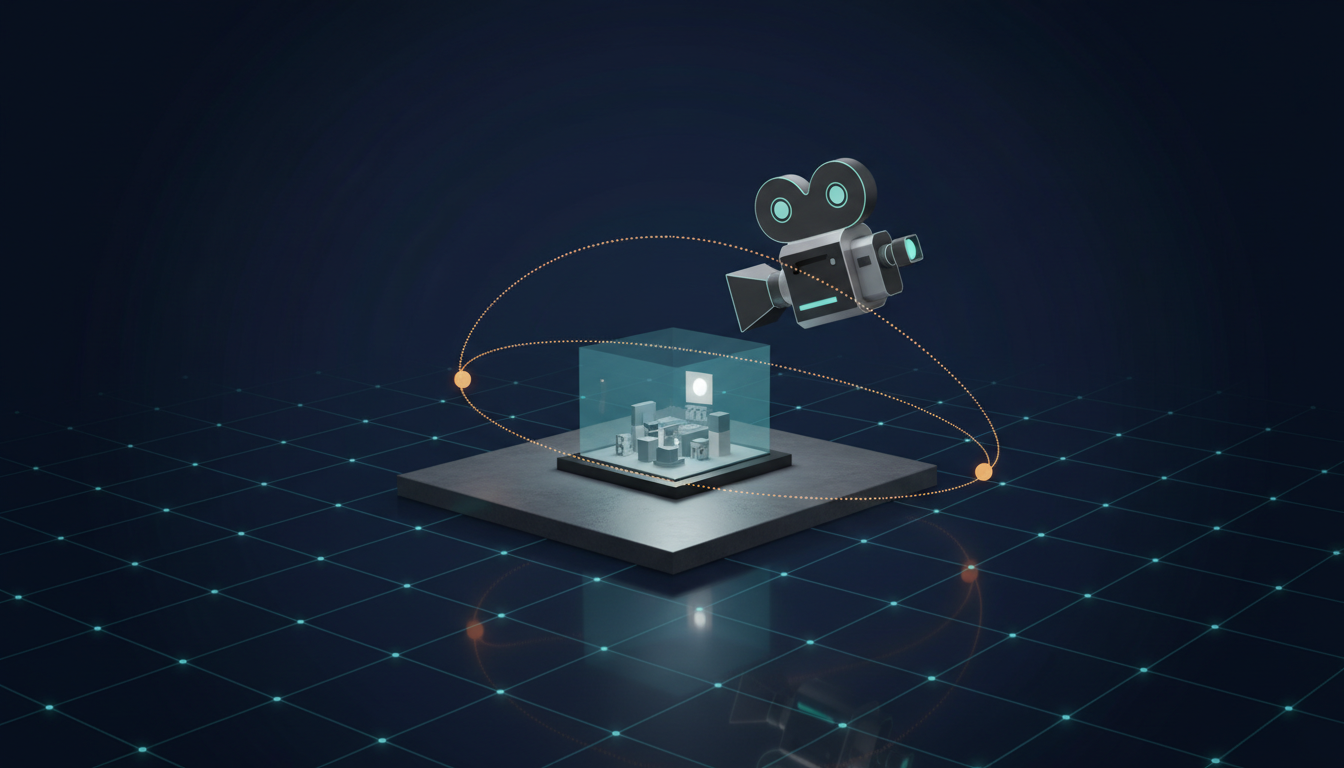
A 20-second performance shot used to mean a crew, a location, and a full day. Higgsfield’s new production guide prices it at about $12.
The guide, published on the Higgsfield blog this week, walks through producing a complete music video around a real artist with no shoot, no crew, and no camera. And it publishes actual numbers: $1.25 to train the artist’s identity, roughly $12 per generated 20-second shot, $3.35 per shot for lip sync. A finished video lands in triple digits. The traditional version of this conversation started at five figures, and that gap is worth slowing down on, because it changes who gets to make music videos at all.
I’ve watched AI video tools make this promise for two years. What makes this guide different is that it reads like it was written after real productions went sideways. The troubleshooting section covers identity drift, missed beats, and sync failures. We’ll get there.
The pipeline, stage by stage
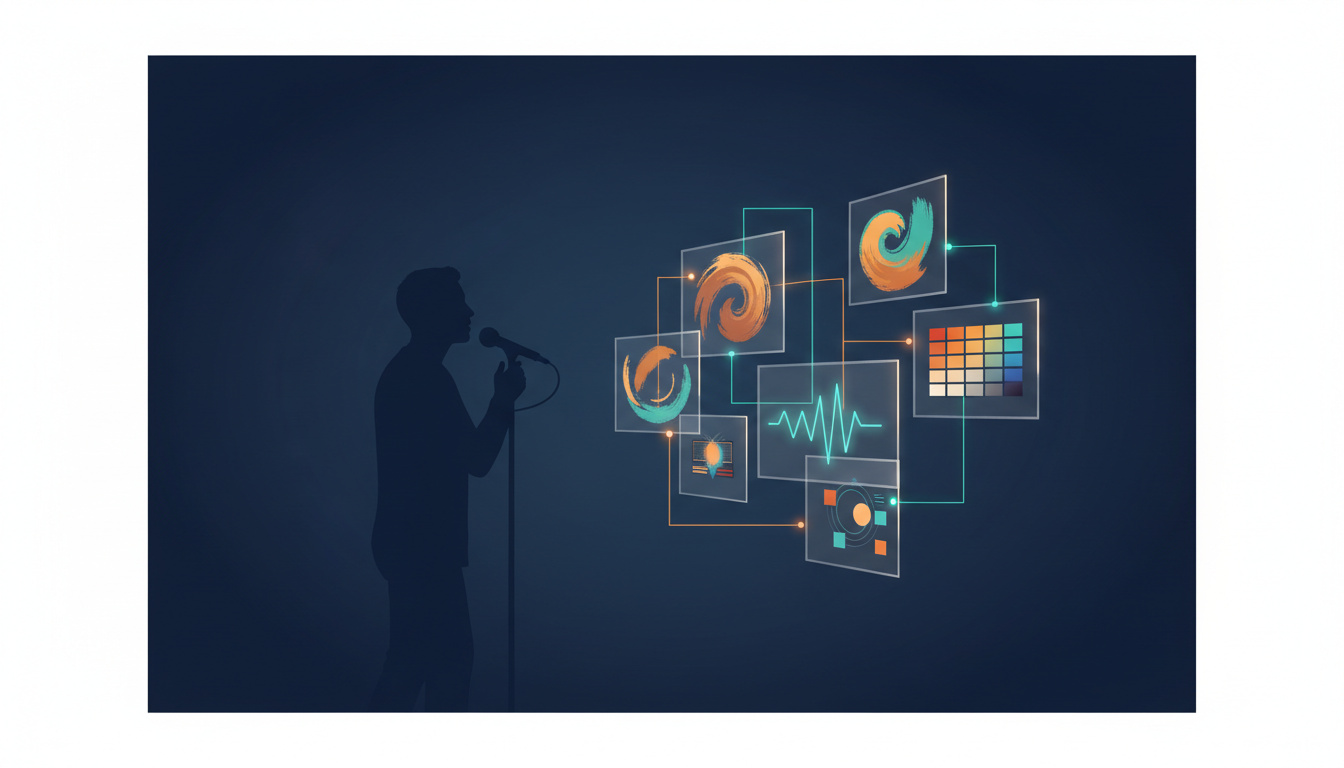
Four stages, in order.
Soul ID trains the artist’s likeness from 20 or more reference photos. It’s a one-time setup, and it’s what keeps the same face across every shot. At $1.25 it’s the cheapest line item in the production and the most important one, because identity drift is the failure mode that kills AI music videos.
Soul Cinema builds the visual world: references for locations, wardrobe, mood. Pre-production, in tool form.
Cinema Studio 4.0 generates the shots, running Seedance 2.5, up to 30 seconds per clip. The controls run deep: genre, camera and lens emulation, tempo, emotion, more than 50 color palettes, era-accurate grading. You are directing, not prompting.
Lipsync Studio syncs mouth movement to the actual vocal track, in 18 languages, at $3.35 per shot.
And if there’s no finished song yet, Seed Audio 1.0 generates the track itself: voice, music, effects. No recording studio appears anywhere in this pipeline.
The cost math, honestly
Say your video needs 10 generated shots. That’s about $120 in generation, $33.50 in lip sync, and the $1.25 identity training. Call it $155 and change. Double the shot count for coverage and you’re still under $350.
Two caveats before anyone quotes this at a label. These are generation costs only; your editing time is not free, and iteration is where the hours actually go. And tool pricing moves fast, so treat these numbers as a snapshot from this week.
Plan by song structure, not by shot list
The smartest part of the guide is the planning table. You don’t write a shot list. You map the song’s sections to visual decisions.
The chorus gets your strongest performance shots. It’s the emotional peak, so spend the budget there. Verses carry narrative and story. The bridge gets deliberate visual contrast, a grade shift or a location change, so the final chorus lands harder.
That’s real music video grammar, and it transfers directly to marketing video: your “chorus” is the product moment, and it deserves your best 20 seconds.
Where it breaks
Three failure modes, all fixable, all real.
Identity drift: the artist’s face wanders between shots. The fix is more reference photos in the Soul ID training set and regenerating from your strongest shot rather than your weakest.
Sync misalignment: lips move to the wrong part of the song. This happens when the wrong audio segment gets attached to a shot. Check your in-points before rendering.
Cuts that ignore the beat. An AI pipeline hands you clips; it does not edit them. Cutting to the waveform is still a human job, and it’s the difference between a pile of generated clips and a music video.
The permission question
The guide is blunt about this, and I want to be too. You need artist approval for three things: their likeness, the music, and any cloned voice. In writing. If the artist is you, get releases from everyone else who appears on screen.
An AI production faces the same rights questions as a film shoot. It skips none of them. It just skips the camera.
What to do this week
- Pick one song with an obvious chorus.
- Collect 20+ photos of the artist, consistent lighting, varied angles.
- Storyboard by section: chorus performance, verses narrative, bridge contrast.
- Generate the chorus shot first. If identity holds there, the rest of the video follows.
- Edit to the beat. Every cut lands on a waveform event.
The $100 music video has crossed from demo to workflow: published prices, documented failure modes. That’s what a real production tool looks like. Artists who learn this workflow first get a stretch of time where a visual album costs less than a single studio day used to. That window is worth using.